
Lass0
Screenshot to text, straight to your clipboard
The usual route is capture, save, upload to a converter, wait, copy. Lass0 is one step: it takes the region, reads it on your device and hands you the text. No file is saved and nothing is uploaded.
A real example
A storage warning dialog with a heading, an explanation and three numbered steps. Left: what was on screen. Right: what Lass0 produced, on a Mac, with no edits. Switch the tabs to see each format.
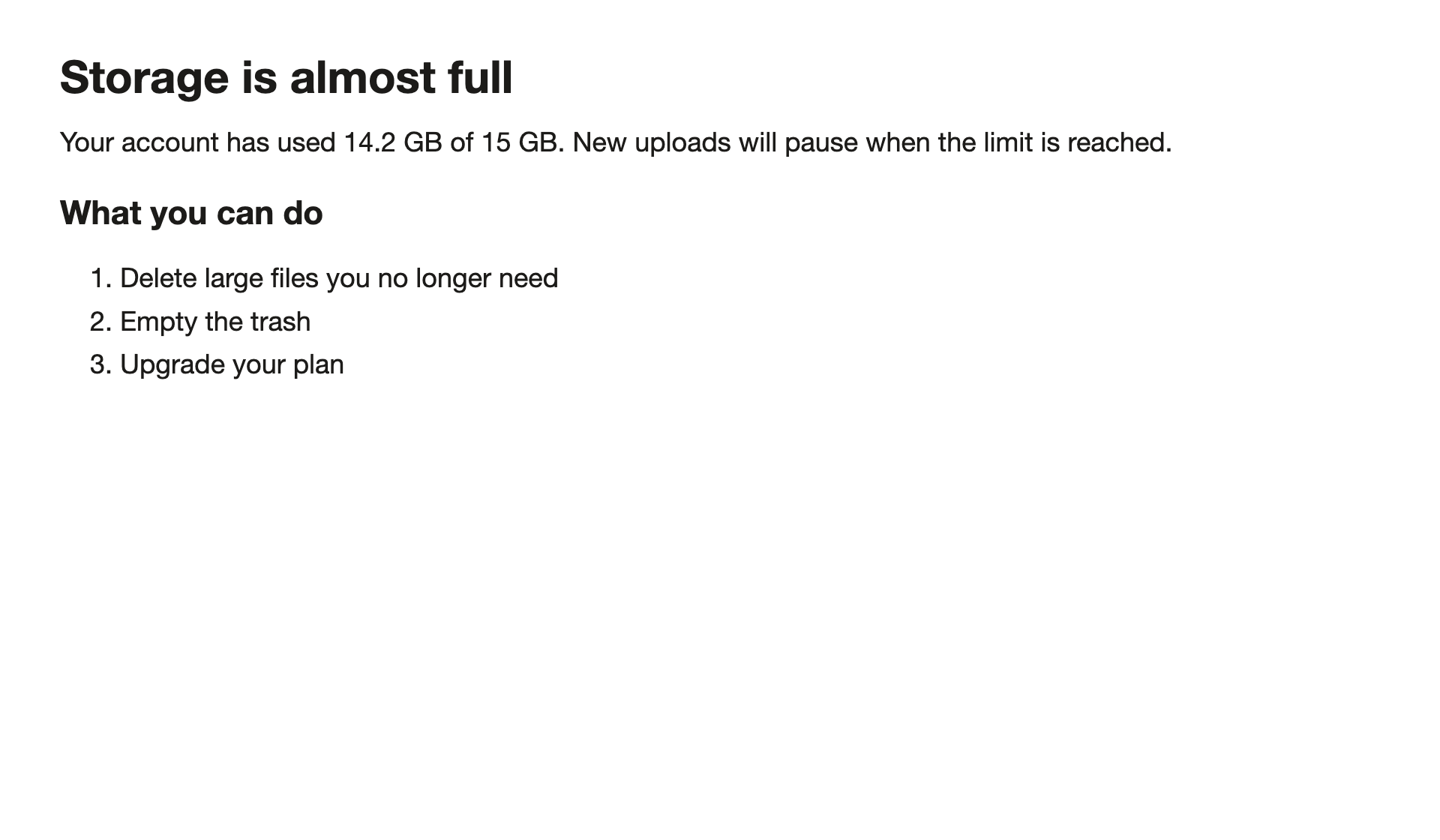
Storage is almost full

Your account has used 14.2 GB of 15 GB. New uploads will pause when the limit is reached.

What you can do

1. Delete large files you no longer need
2. Empty the trash
3. Upgrade your plan
How to do it
Press the shortcut and drag over the area.
Check the preview in the panel next to your selection.
Press Copy and paste the text anywhere.
Because the image is never saved and never sent, you can capture things you would not upload: banking pages, internal tools, messages.
Questions
Is the screenshot stored?
No. The pixels are read in memory and discarded. Only the text structure of a capture is kept in your timeline, on your device, and you choose how long (7, 30, 90 days or forever).
Can I read text out of an existing screenshot file?
Open the file on your screen and drag over it. Lass0 reads what is displayed, so it works the same for a file, a window or a video.
Does the text leave my computer?
No. Lass0 reads the region with the text recognition built into your operating system and structures it with a small model that runs on your device. The only network calls are the one-off model download, licence checks for Pro, error codes and feedback you choose to send. The privacy page lists every one.
Is it free?
The free plan covers 100 plain text copies a week, with smaller allowances for rich text, Markdown and Visual layout. Pro is $6 a month or $48 a year and removes the limits, and adds copying from the timeline, Collect sessions and the three cleaners that rewrite text.
More
Docs · Pricing · Privacy · Copy text from an image · Copy text from anywhere on your screen · Copy text from a screenshot