
Lass0
Copy text from a screenshot
A screenshot someone sent you is a picture of words. Open it, press the shortcut and drag across the part you need. Tables arrive as tables, ready for a spreadsheet.
A real example
A three column table of delivery services, times and prices, with a note underneath. Left: what was on screen. Right: what Lass0 produced, on a Mac, with no edits. Switch the tabs to see each format.
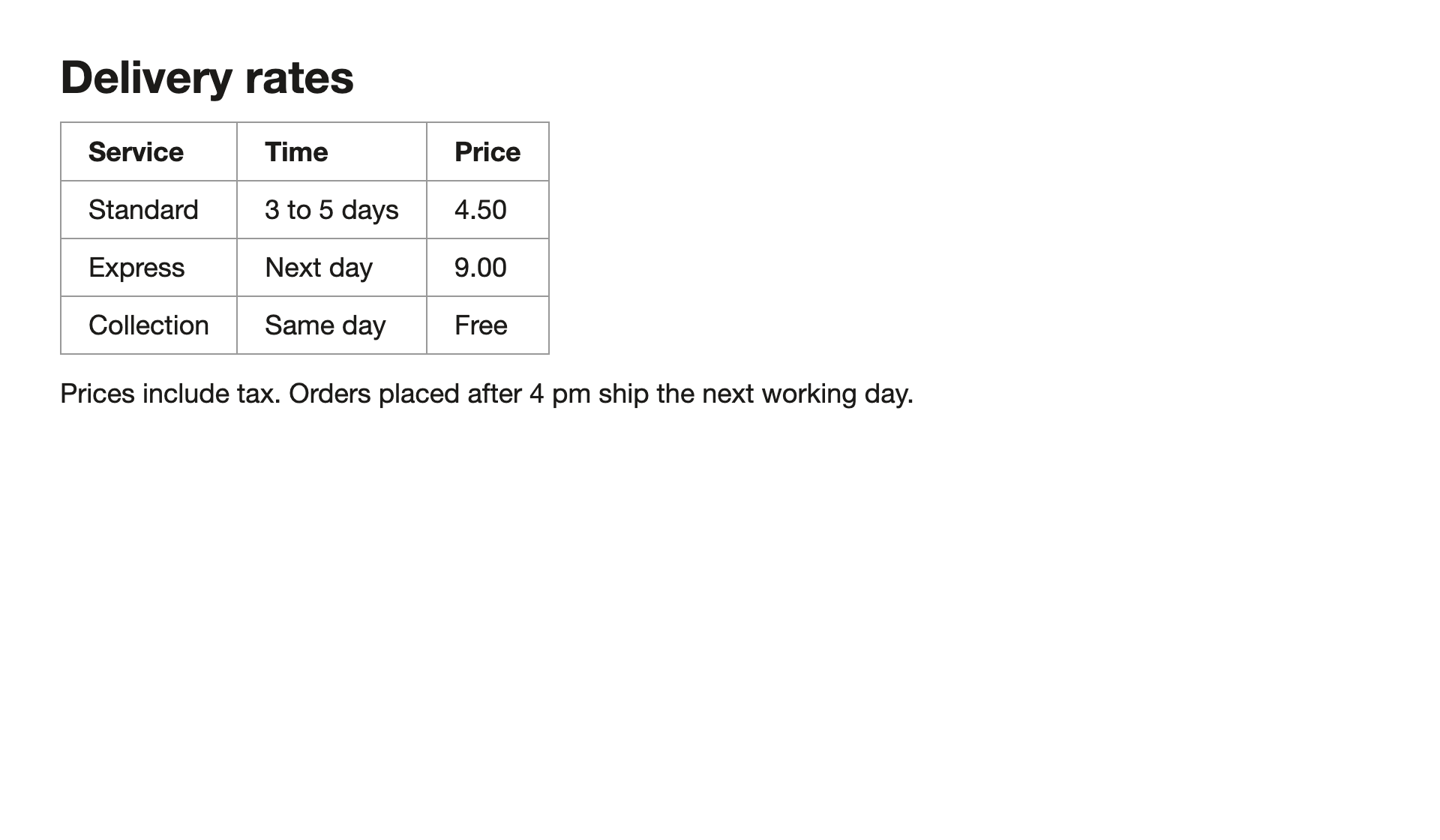
Delivery rates

Service	Time	Price
Standard	3 to 5 days	4.50
Express	Next day	9.00
Collection	Same day	Free

Prices include tax. Orders placed after 4 pm ship the next working day.
How to do it
Open the screenshot in any viewer.
Press the shortcut and drag over the table or text.
Paste. Plain text tables paste as tab separated columns, so they drop straight into a spreadsheet.
Tables are where most tools fall down. Lass0 groups the recognised lines into rows and columns, and the plain text copy is tab separated.
Questions
Will it keep my table's columns?
Yes. Plain text copies tables as tab separated rows, Markdown as a pipe table, rich text as an HTML table and Visual as a drawn grid.
How accurate is it?
Characters come from the operating system's text recognition (Apple Vision, Windows OCR, Tesseract on Linux). The model only groups lines and classifies them; a check rejects any result that adds or changes a word, and nothing is copied if it fails.
Does the text leave my computer?
No. Lass0 reads the region with the text recognition built into your operating system and structures it with a small model that runs on your device. The only network calls are the one-off model download, licence checks for Pro, error codes and feedback you choose to send. The privacy page lists every one.
Is it free?
The free plan covers 100 plain text copies a week, with smaller allowances for rich text, Markdown and Visual layout. Pro is $6 a month or $48 a year and removes the limits, and adds copying from the timeline, Collect sessions and all five cleaners.
More
Docs · Pricing · Privacy · Copy text from an image · Screenshot to text, straight to your clipboard · Copy text from anywhere on your screen