
Lass0
Copy text from an image
Images do not let you select text. Lass0 does it for you: press a shortcut, drag a box over the picture, and the words are on your clipboard a moment later. Headings stay headings, lists stay lists and tables stay tables.
A real example
A pinned community notice with a heading, a paragraph, a short list and a closing line. Left: what was on screen. Right: what Lass0 produced, on a Mac, with no edits. Switch the tabs to see each format.
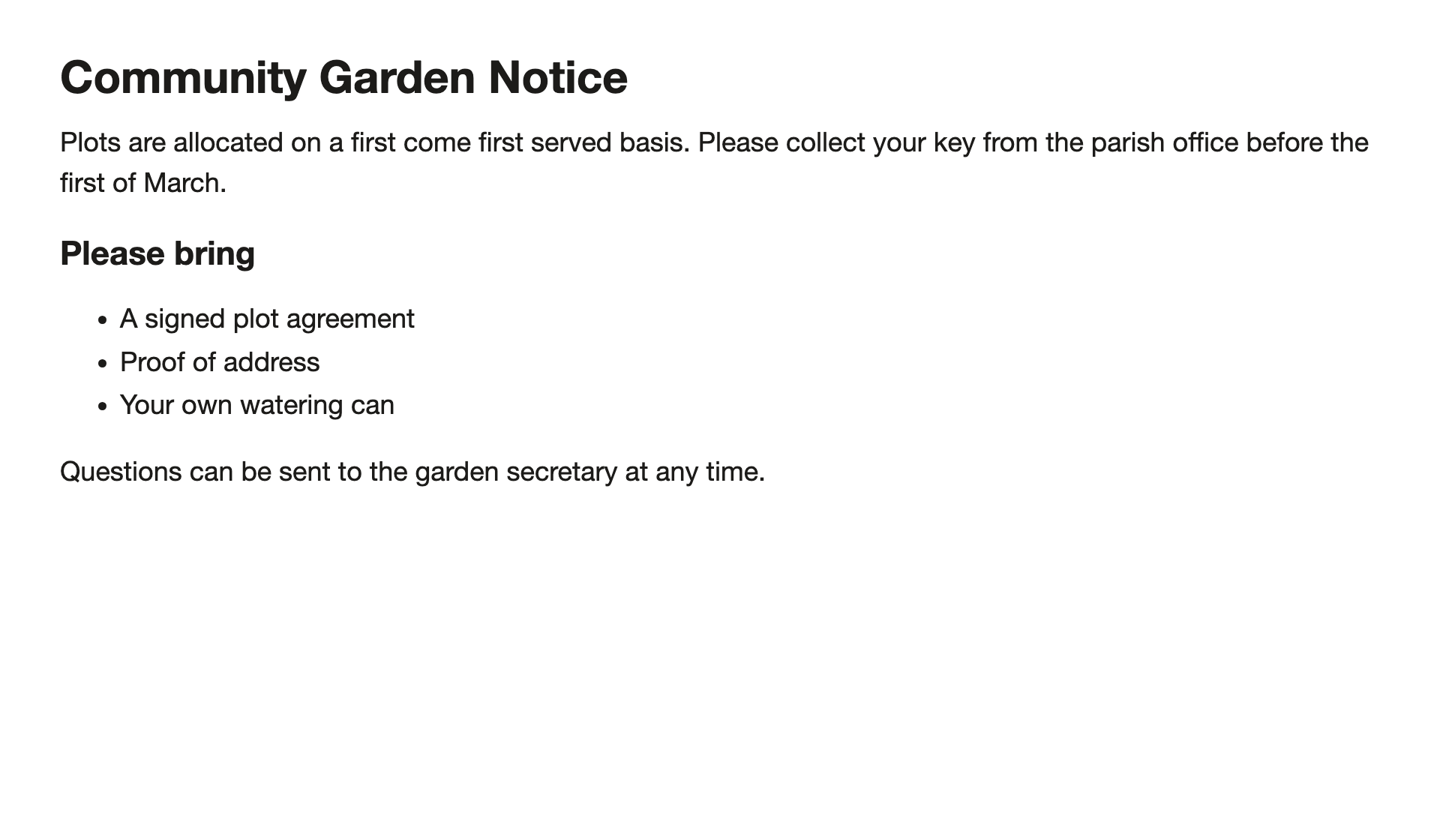
## Community Garden Notice

Plots are allocated on a first come first served basis. Please collect your key from the parish office before the first of March.

## Please bring

- A signed plot agreement
- Proof of address
- Your own watering can

Questions can be sent to the garden secretary at any time.
How to do it
Press Cmd+Shift+G (Ctrl+Shift+G on Windows and Linux).
Drag a box over the image.
Pick plain text, rich text, Markdown or Visual and press Copy.
Most image-to-text tools give you one block of characters. Lass0 keeps the structure of the page, so a notice, a menu or a form pastes the way it looked.
Questions
Does it work on any image?
Anything that is visible on your screen: a photo in a chat, a picture in a web page, a PDF page rendered as an image, a slide. If you can see it, you can drag over it.
What if the text is too small or blurry?
Lass0 says so: 'No text found in this selection' and copies nothing. It never fills a gap with a guess, and the structuring step may not change, add or reword any word it read.
Does the text leave my computer?
No. Lass0 reads the region with the text recognition built into your operating system and structures it with a small model that runs on your device. The only network calls are the one-off model download, licence checks for Pro, error codes and feedback you choose to send. The privacy page lists every one.
Is it free?
The free plan covers 100 plain text copies a week, with smaller allowances for rich text, Markdown and Visual layout. Pro is $6 a month or $48 a year and removes the limits, and adds copying from the timeline, Collect sessions and the three cleaners that rewrite text.
More
Docs · Pricing · Privacy · Screenshot to text, straight to your clipboard · Copy text from anywhere on your screen · Copy text from a screenshot