
Lass0
Copy text from a video
Lecture slides, tutorial code and on-screen links flash by in video. Pause on the frame, press the shortcut and drag over the words. The text lands on your clipboard without a download or an upload.
A real example
A lecture slide with a title, three points and a footer, captured from a paused video. Left: what was on screen. Right: what Lass0 produced, on a Mac, with no edits. Switch the tabs to see each format.
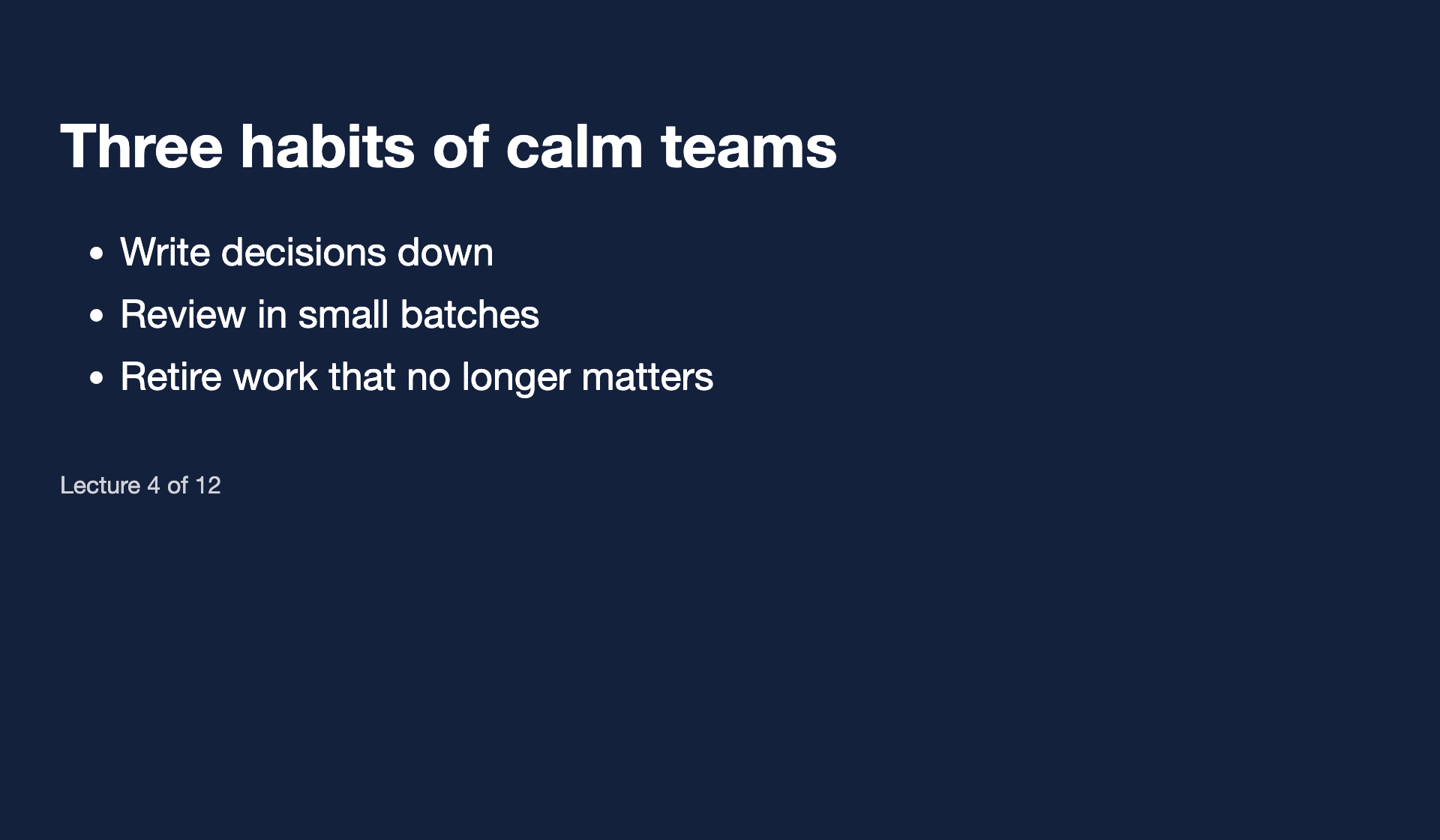
## Three habits of calm teams

1. Write decisions down
2. Review in small batches
3. Retire work that no longer matters

Lecture 4 of 12
How to do it
Pause the video on the frame you want.
Press the shortcut and drag over the slide text.
Choose Markdown to paste straight into your notes.
Notes taken from lectures and talks are usually Markdown. Lass0's Markdown copy keeps headings and bullet lists so the notes paste clean.
Questions
Does it work on streaming sites that block screenshots?
Some players black out the video when you capture the screen, and then there is nothing to read. Lass0 reports 'No text found in this selection' instead of guessing.
Can I grab several slides into one note?
With Pro, a Collect session captures several regions in a row and copies them as one document, in the order you took them.
Does the text leave my computer?
No. Lass0 reads the region with the text recognition built into your operating system and structures it with a small model that runs on your device. The only network calls are the one-off model download, licence checks for Pro, error codes and feedback you choose to send. The privacy page lists every one.
Is it free?
The free plan covers 100 plain text copies a week, with smaller allowances for rich text, Markdown and Visual layout. Pro is $6 a month or $48 a year and removes the limits, and adds copying from the timeline, Collect sessions and all five cleaners.
More
Docs · Pricing · Privacy · Copy text from an image · Screenshot to text, straight to your clipboard · Copy text from anywhere on your screen